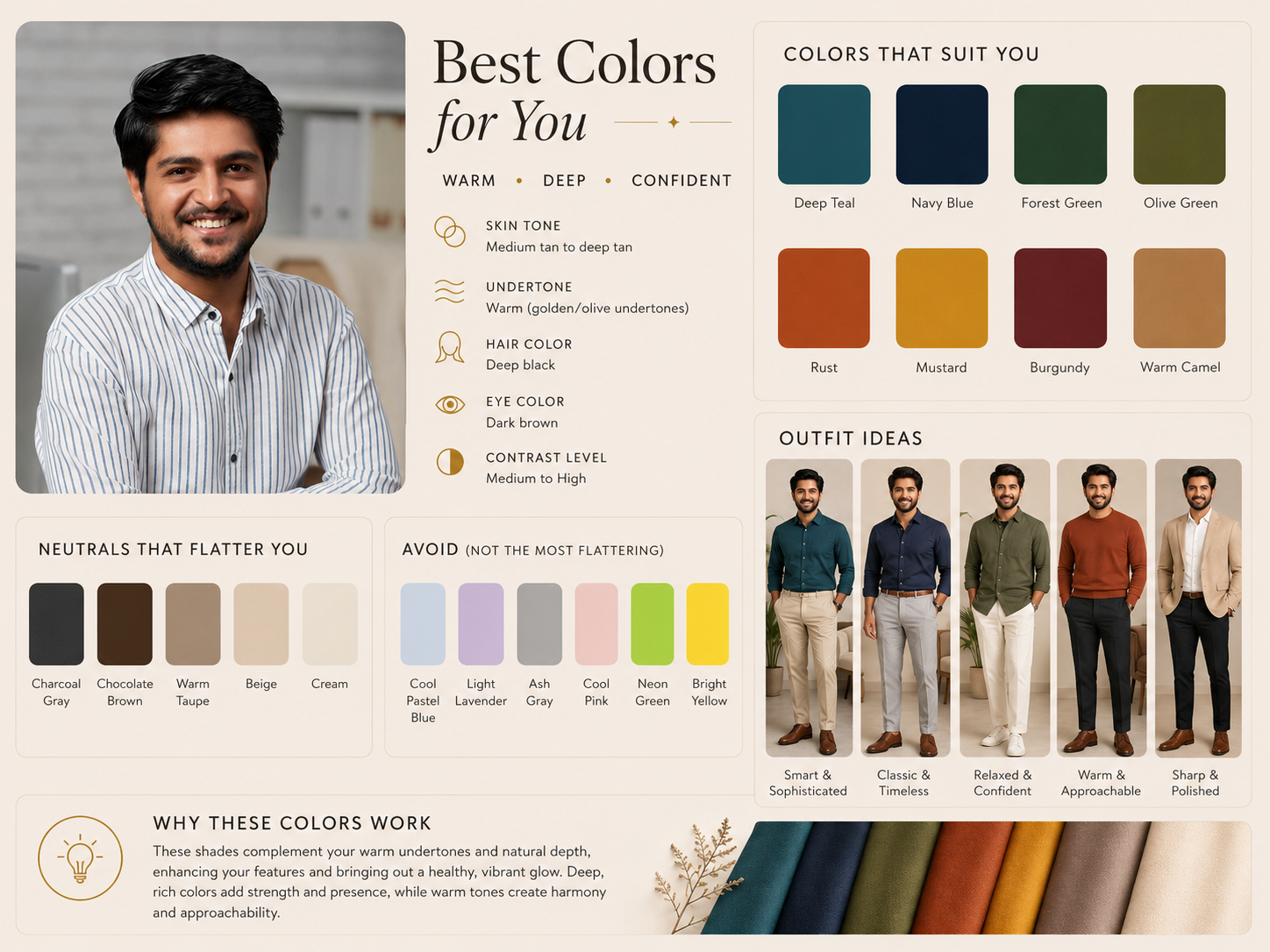
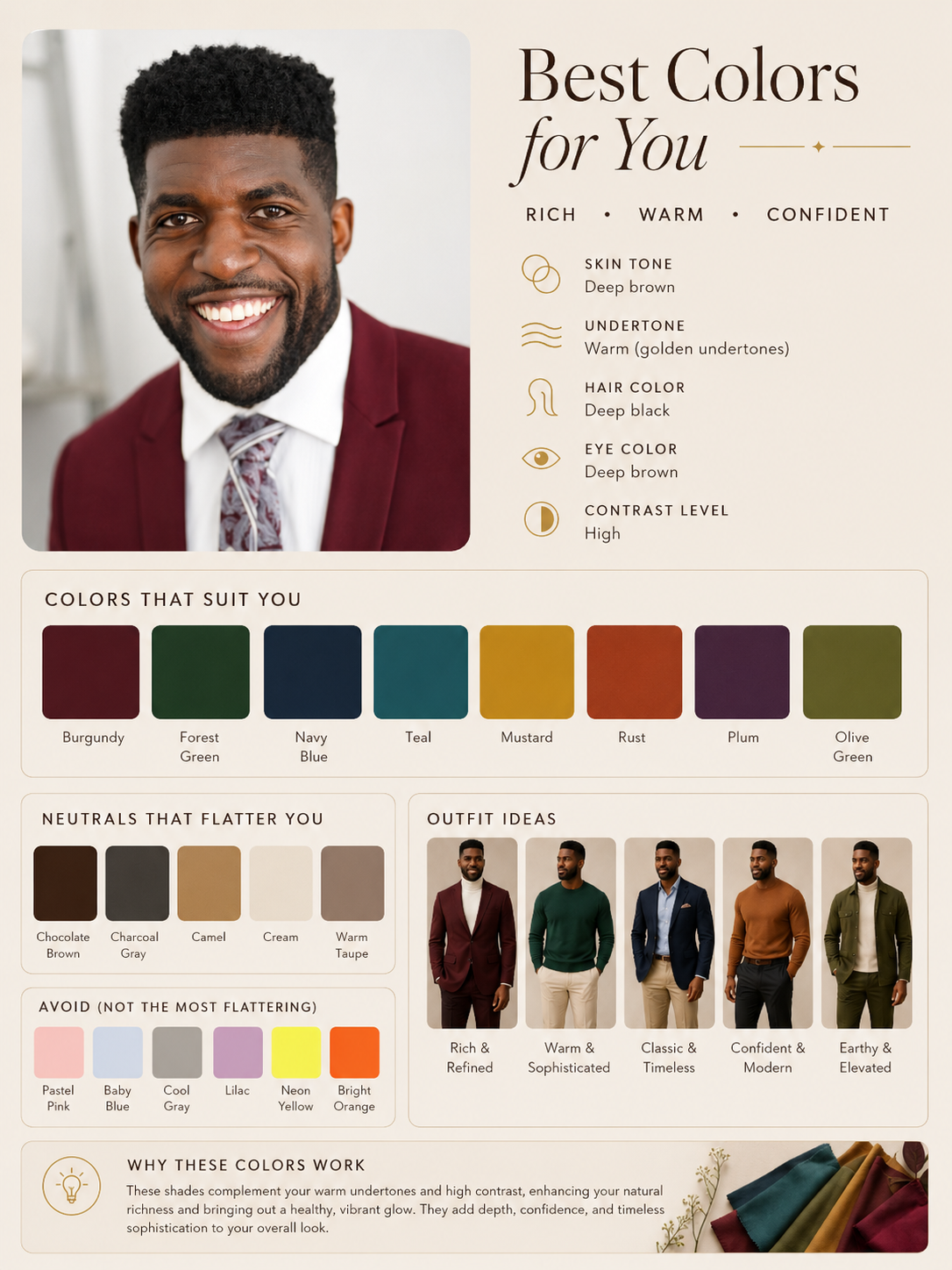
Create an Aesthetic Personalized Color Analysis Chart from the Uploaded Photo.
Want to create stunning AI-generated designs like this? Check out the prompt below and make your creative process faster, easier, and more professional. If you want to generate designs like this with AI, the prompt below will help you achieve professional-quality results faster.
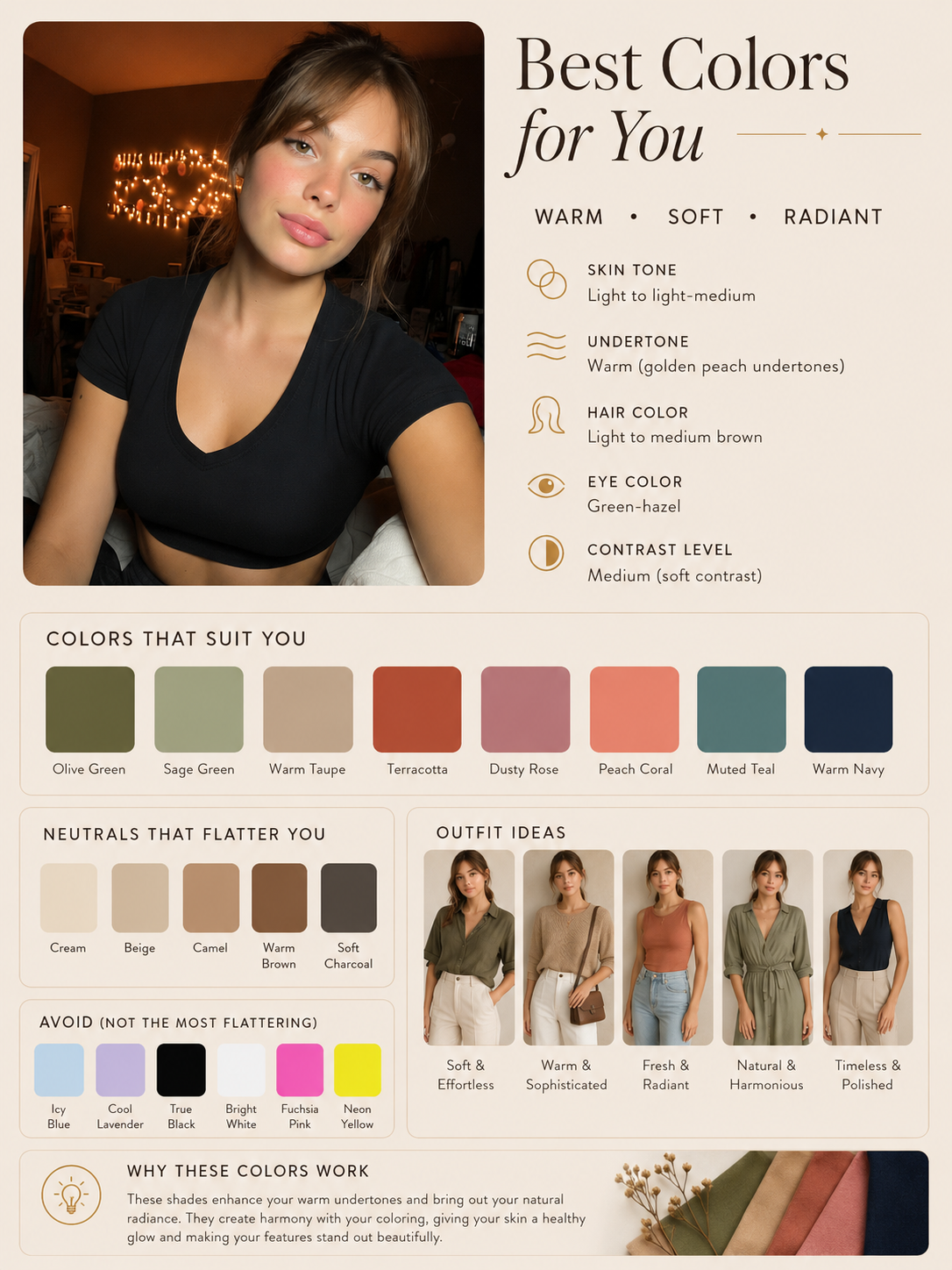
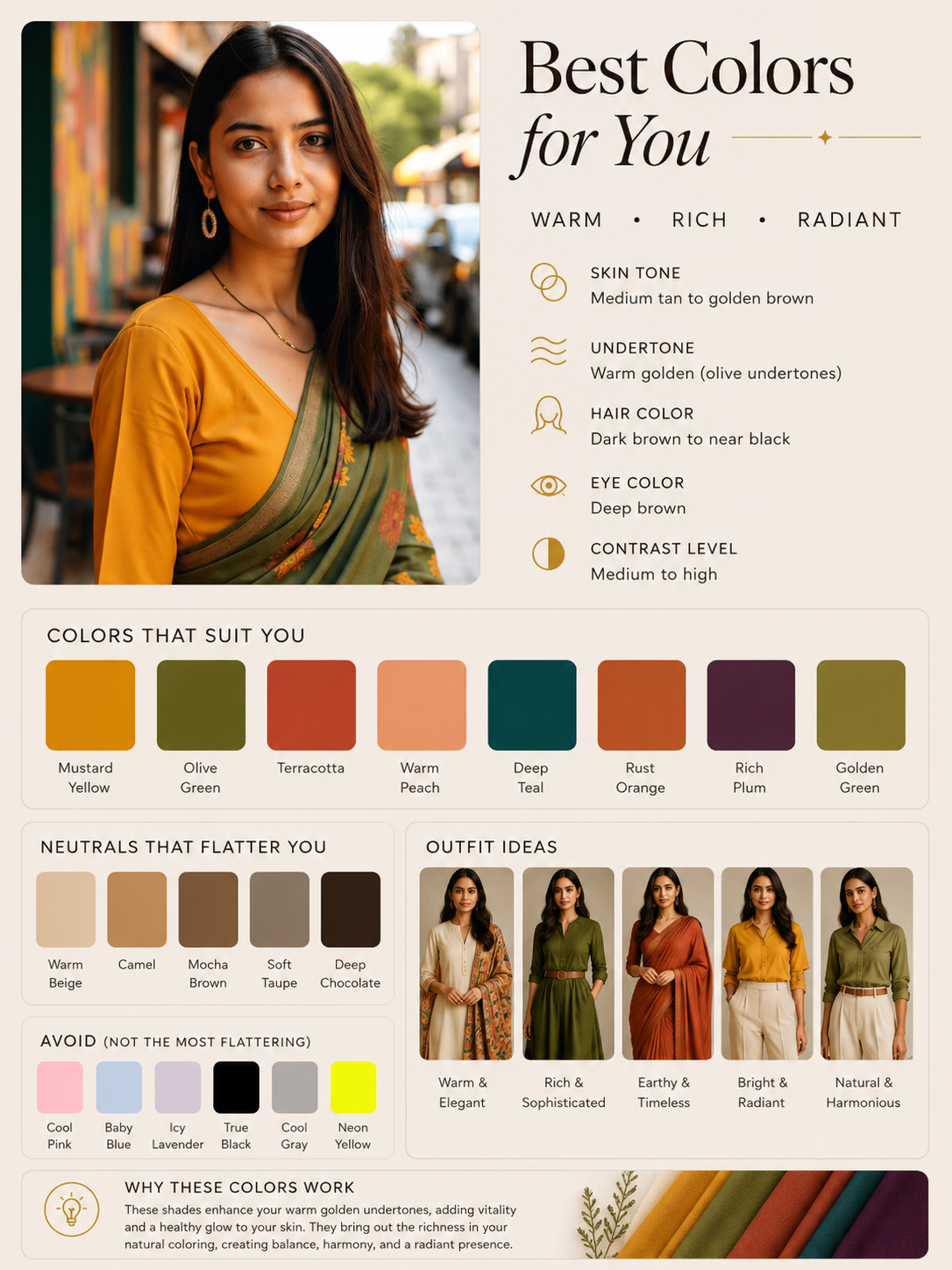
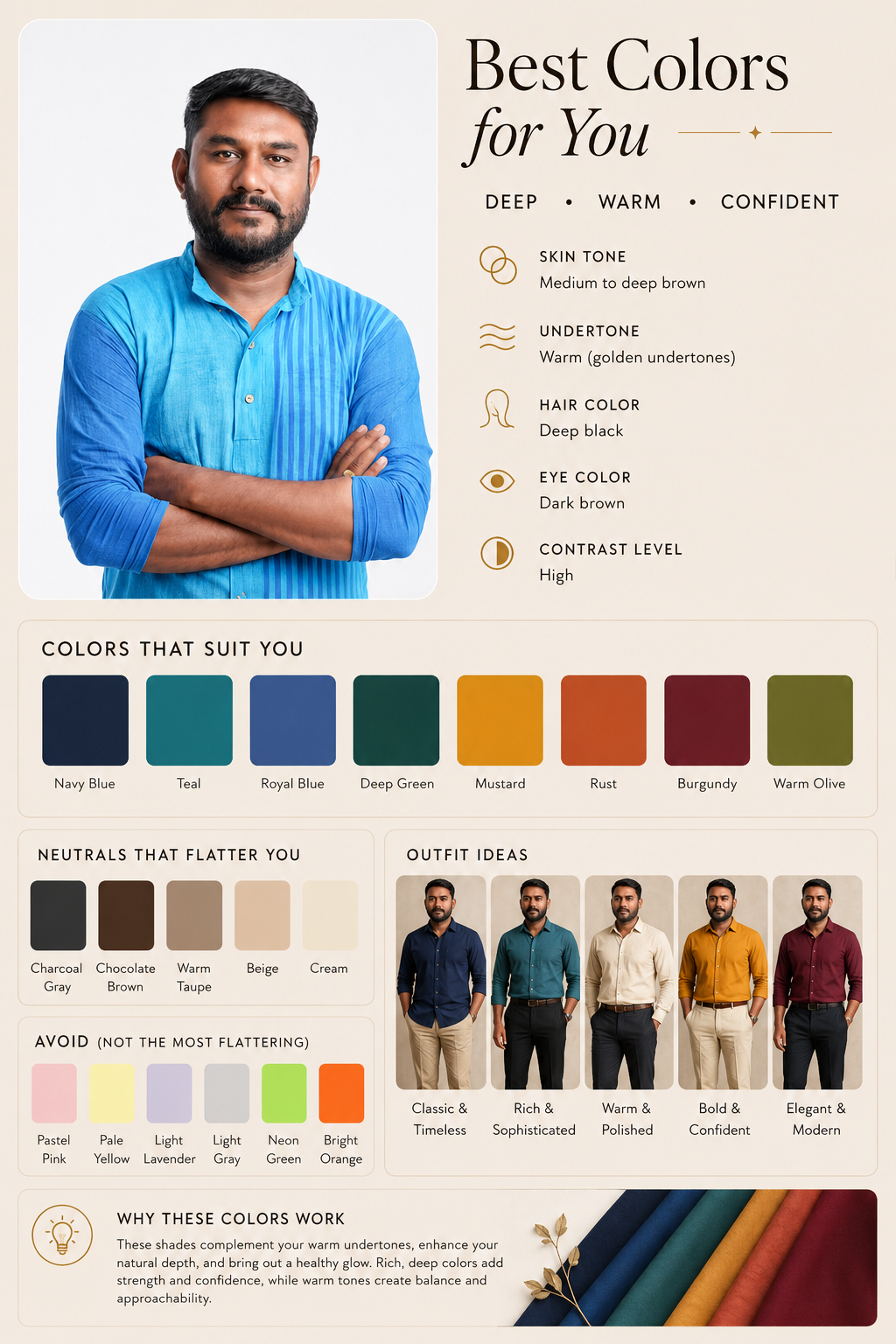
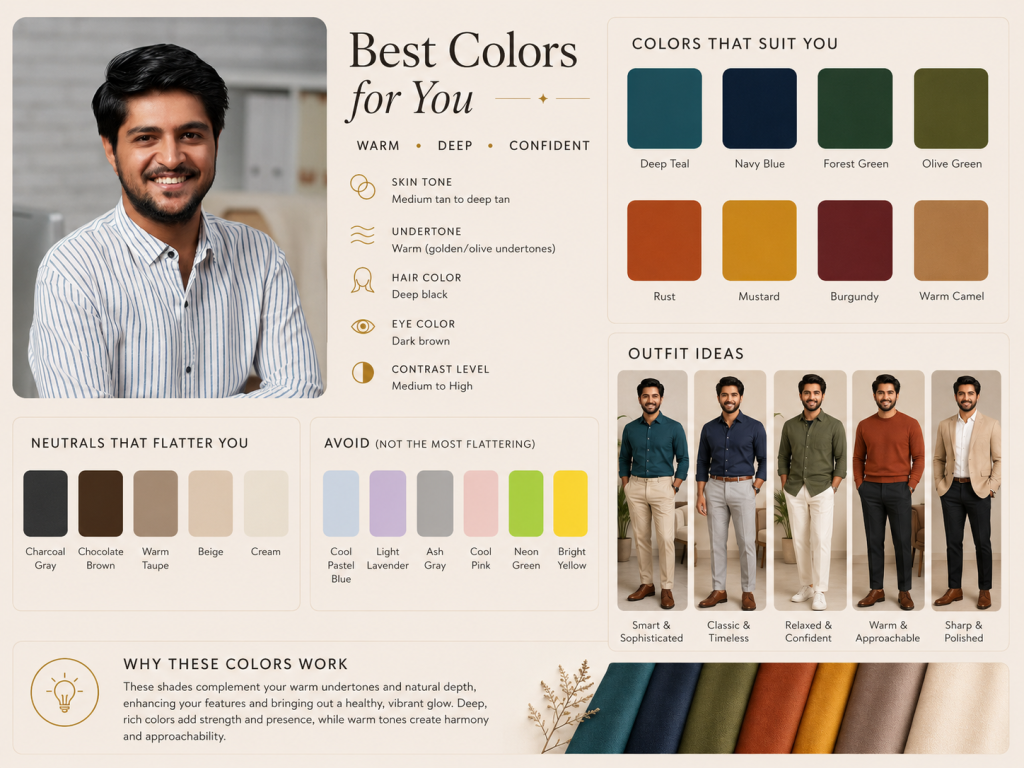
Create an aesthetic personalized color analysis chart from the uploaded photo.
Analyze the person’s:
– skin tone
– undertone
– hair color
– eye color
– overall contrast level
Then create a stylish Pinterest-style color palette guide similar to a professional personal color analysis board.
The design should include:
1. A clean portrait section using the uploaded image.
2. A heading:
“Best Colors for You”
3. Add 3 descriptive words based on the analysis
(example: Warm • Soft • Natural / Cool • Deep • Elegant)
4. A section called:
“COLORS THAT SUIT YOU”
Include 8 flattering colors with labeled swatches.
5. A section called:
“NEUTRALS THAT FLATTER YOU”
Include 5 neutral shades with labels.
6. A section called:
“OUTFIT IDEAS”
Generate 5 elegant outfit inspirations using the recommended palette.
7. A section called:
“AVOID (NOT THE MOST FLATTERING)”
Show 5–6 colors that clash with the skin tone.
8. Add a short beauty tip at the bottom explaining why these colors work well.
STYLE REQUIREMENTS:
– Minimal luxury Pinterest aesthetic
– Soft beige background
– Elegant typography
– Warm natural lighting
– Fashion magazine layout
– Realistic color harmony
– High-end personal stylist vibe
– Clean spacing and balanced composition
Make the final result look like a premium Instagram/Pinterest personal color analysis chart.
Make the aspect ratio 3:4
Follow Me